
Navigate the Slopes in
Stunning 3D
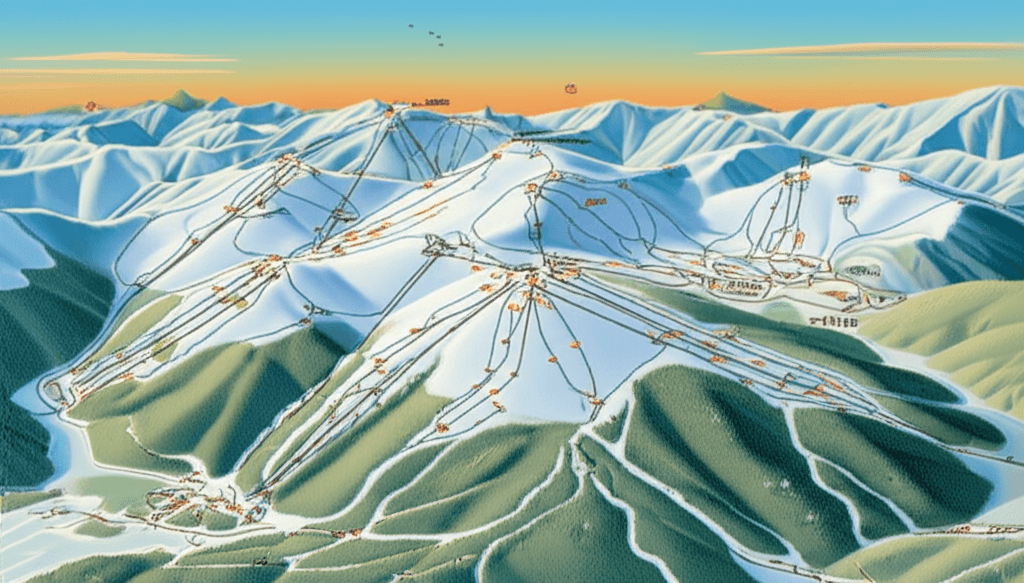
Our map isn't flat and boring. It's a living, breathing 3D model of the mountain that you can explore from any angle.
Simple Controls, Powerful Views
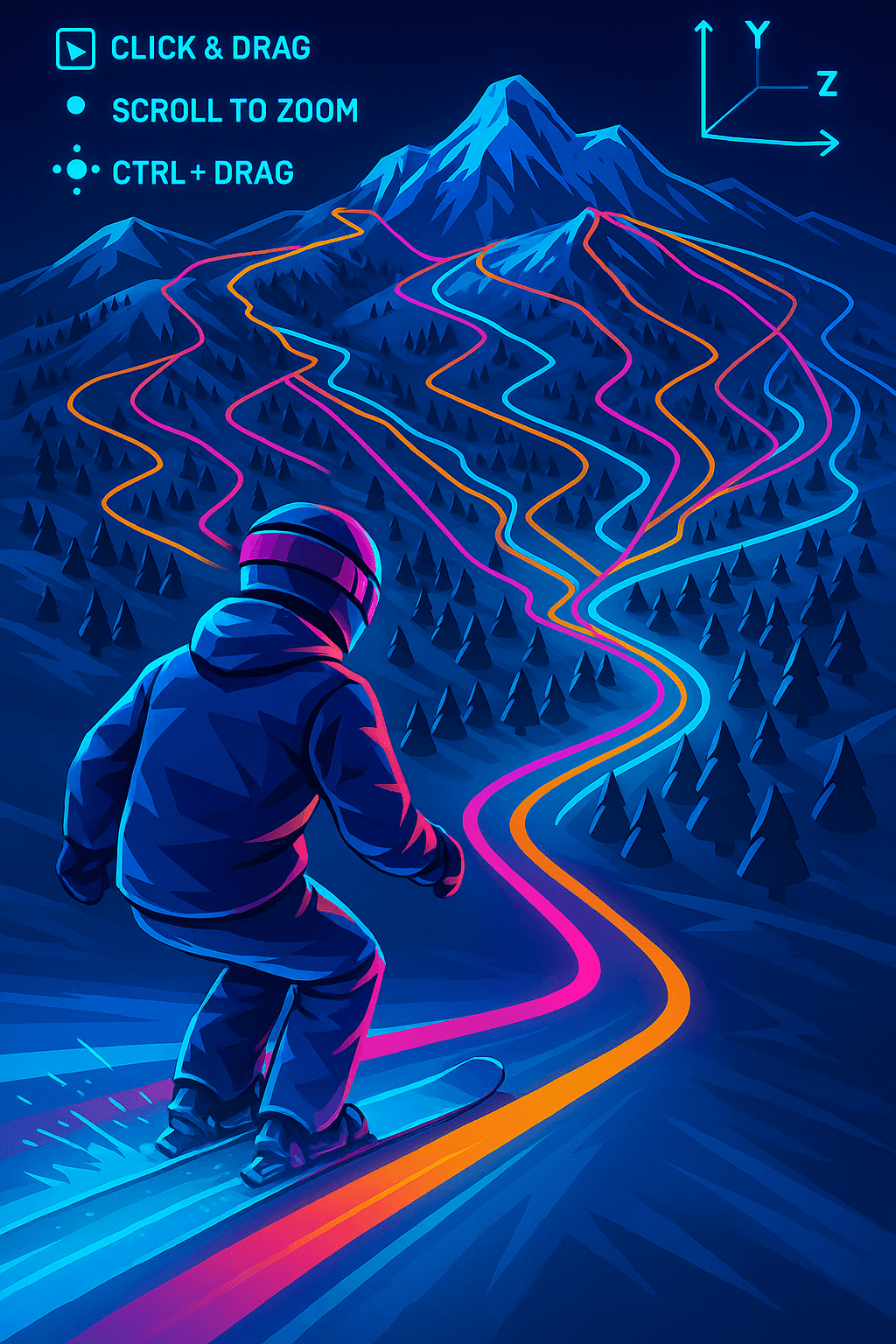
Just click and drag to pan across the resort. Use two fingers or your mouse scroll to zoom. Hold Ctrl (or Cmd) and drag to tilt and rotate the map for a true 3D perspective.
Click & Drag
Pan across the entire resort
Scroll to Zoom
Get close to see every detail
Ctrl + Drag
Tilt and rotate for 3D view
Everything You Need to Know
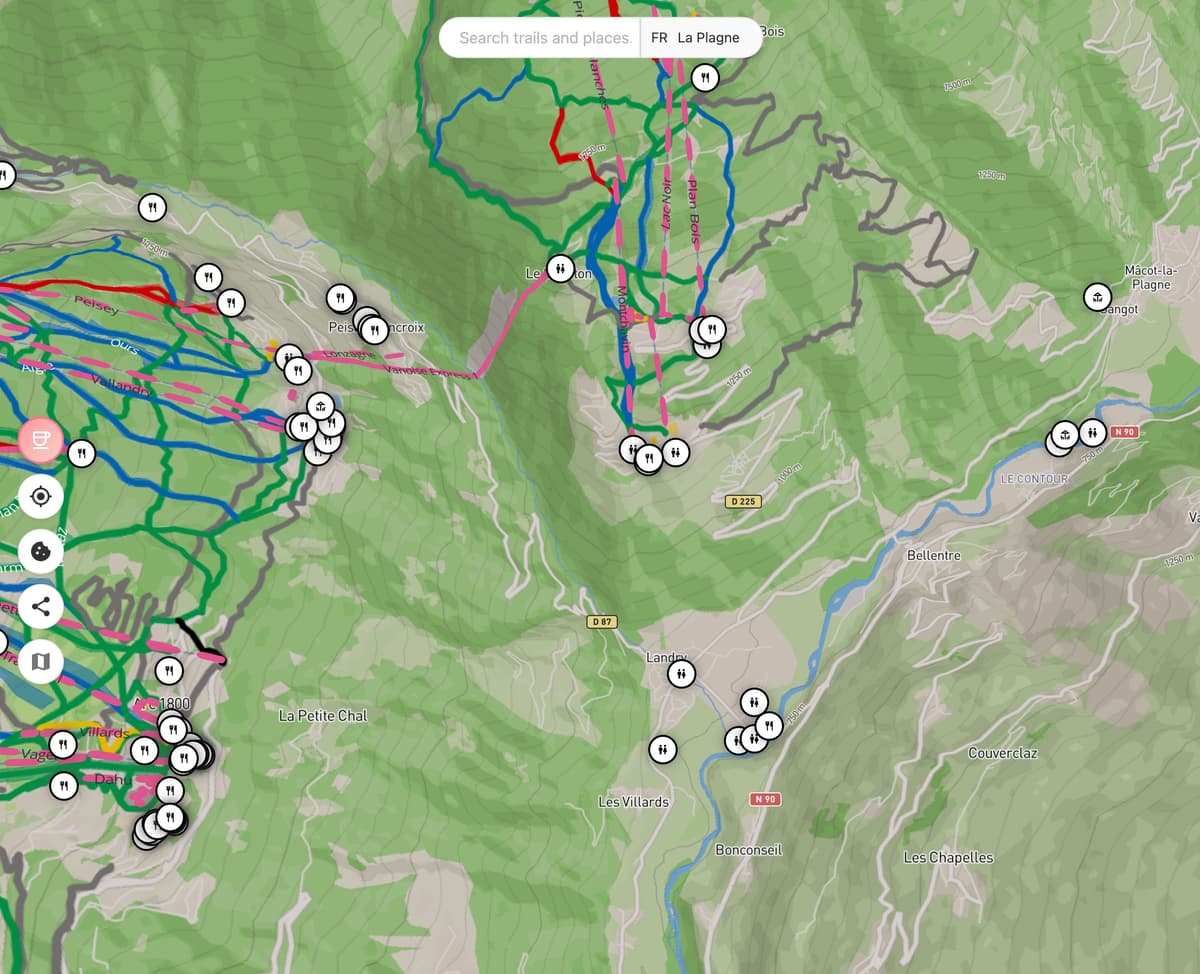
Every slope is coloured the way the resort's own trail map shows it: green, blue, red and black, with orange for freeride and ski routes. You'll also find markers for all essential amenities: restaurants, toilets, picnic spots, ski rentals, and more.
Slope Difficulties
Amenities
Choose the Map That Suits Your Style
Select from 'Outdoors' for a classic topographic view, 'Satellite' for real-world imagery, 'Snow' for a clean winter look, or 'Dark' for easy night viewing.
Classic Topographic
Traditional map with contour lines and terrain details
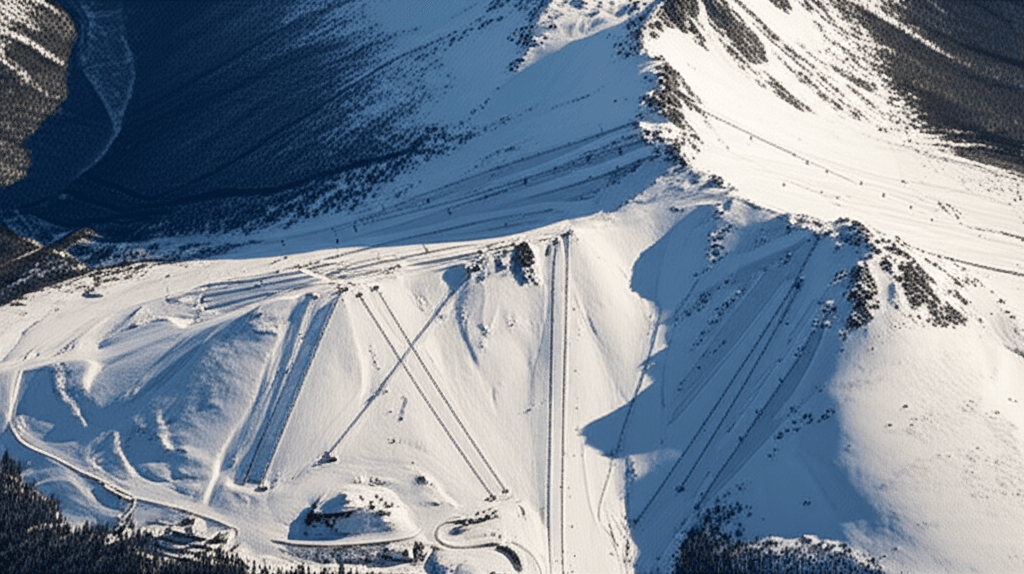
Real-World Imagery
Actual satellite photos of the mountain terrain
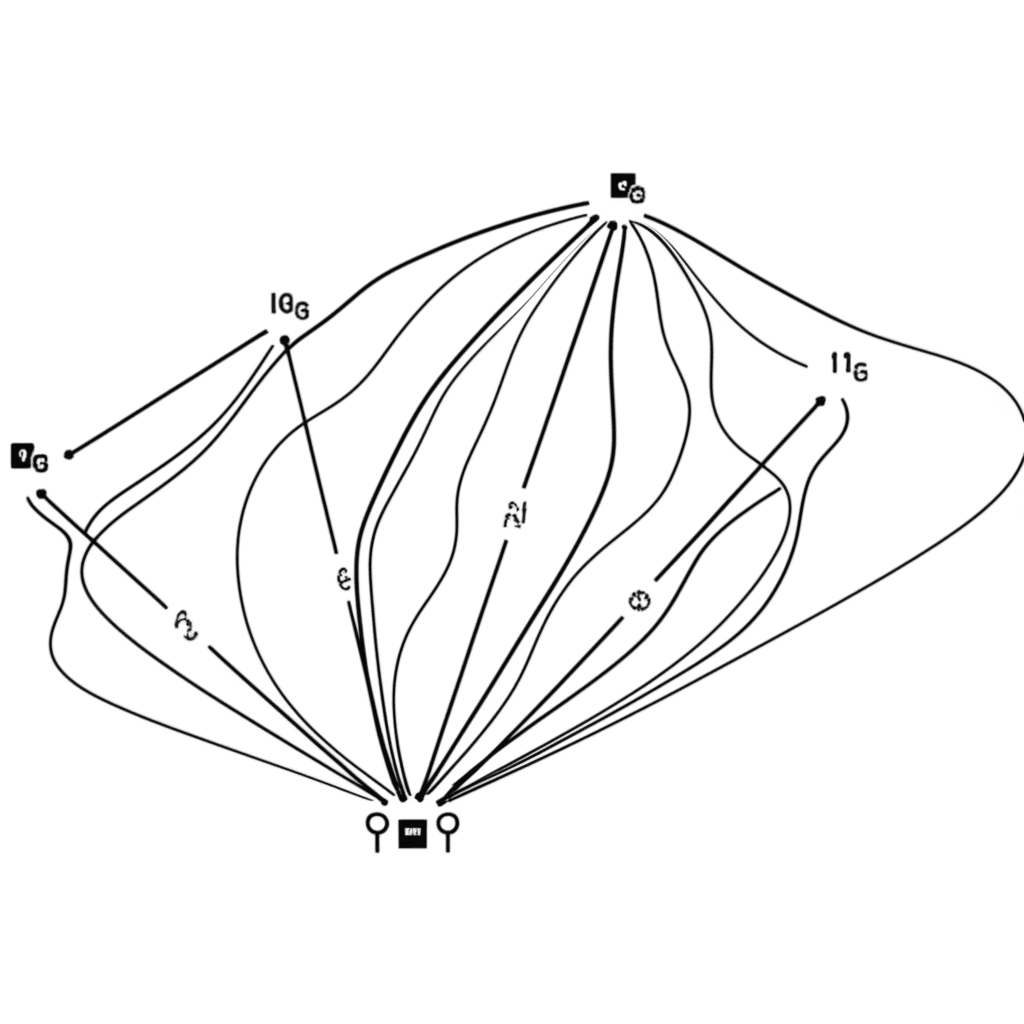
Clean Winter Look
Minimalist white design perfect for winter conditions
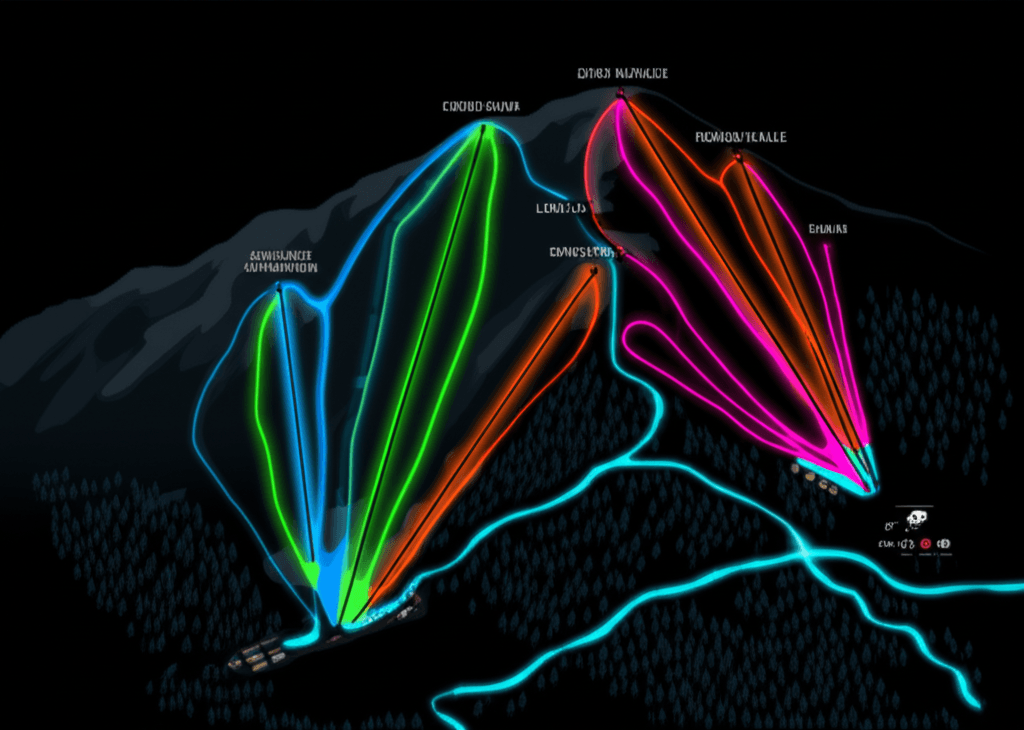
Easy Night Viewing
Dark theme that's easy on the eyes in low light
Experience 3D Navigation Today
Compare Bonvo Ski's interactive 3D terrain, run and lift information with a traditional static resort map.
Frequently Asked Questions
How does the Bonvo Ski 3D map work?▼
Bonvo Ski renders real terrain data in interactive 3D. Click and drag to pan, scroll to zoom, and hold Ctrl while dragging to tilt and rotate the view. The map shows color-coded slopes, lifts, and amenity markers.
Can I use the 3D ski map offline?▼
Yes. Download resort maps before your trip and use them on the mountain without cell service or Wi-Fi.
What map styles are available in Bonvo Ski?▼
Bonvo Ski offers four map styles: Outdoors (topographic), Satellite (aerial photography), Snow (minimalist white), and Dark (night mode with neon runs).